Free
- 10 successful imports every 30 days
- Failed imports don't count
- Export to HTML: free, unlimited
Coming soon to the Figma Community
Figback rebuilds live sites and coded UI as real Figma structure: auto layout, components, variables. When the design is done, it exports the frames back to HTML and CSS.
Three ways in
Drop in markup from your code editor, a component library or a CMS export.
Public pages load straight away. Pages that block plugins, and single-page apps, are captured on our server in a real browser.
Our Chrome extension, Figback Capture, saves the page you are looking at, logged-in views included, as a file the plugin imports.
Built the way a designer would
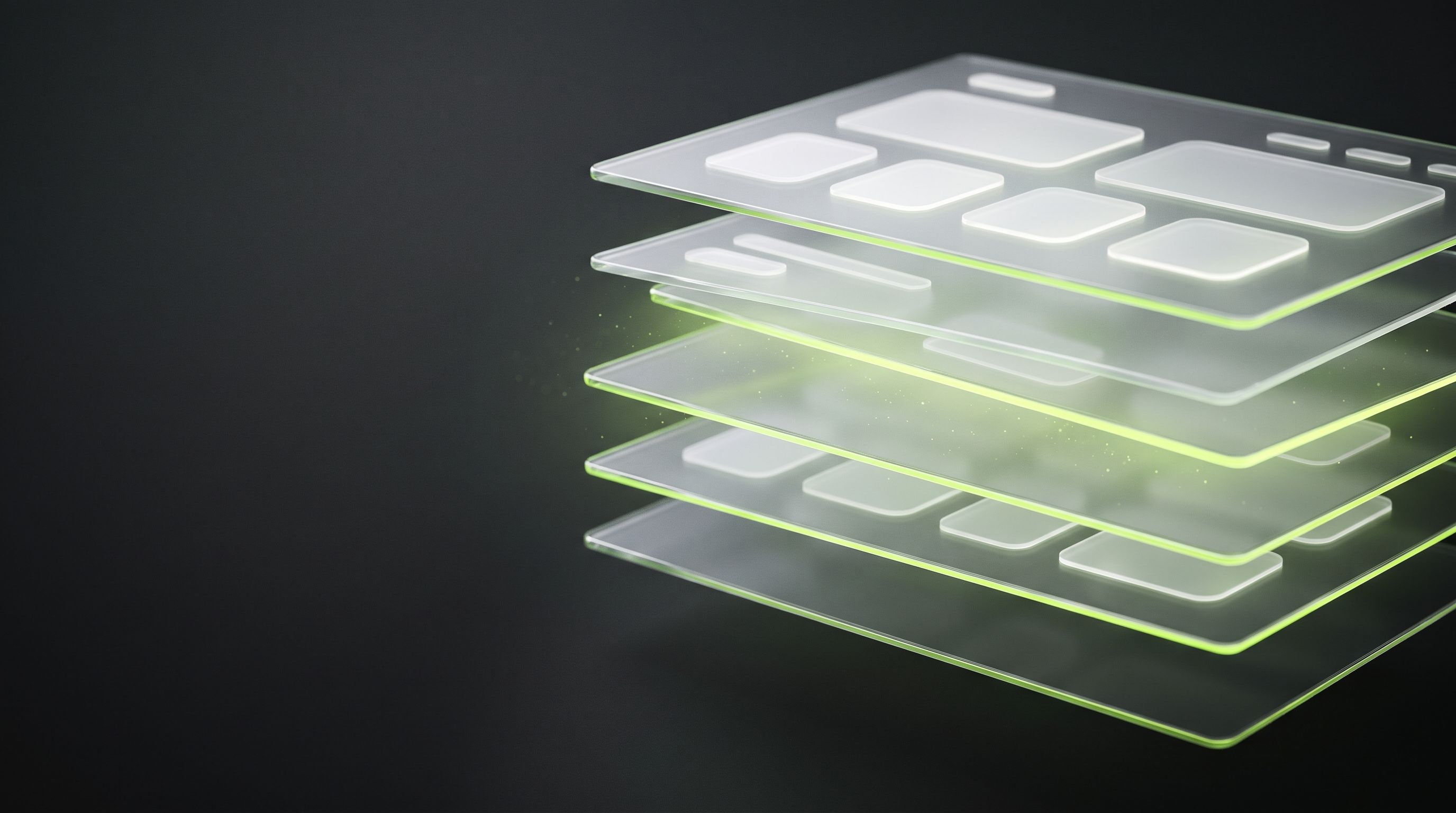
Flex and grid become auto layout frames you can resize, not absolutely positioned boxes.
Repeated cards, buttons and list items turn into components, with variants where they differ.
Colours, type and spacing land as variables and text styles, ready to theme.
SVG icons stay vector, images come in as image fills, and fonts you don’t have installed are substituted.
Import desktop, tablet and mobile (1440, 768 and 390, or your own widths) in one go, plus a dark theme frame.
Your design system
Point Figback at your Figma library and it maps captured colours, text and elements onto the variables, styles and components you already have. Your file stays clean instead of filling up with near-duplicates.

And back again
Select frames and export semantic HTML with CSS as a zip. Export runs inside the plugin, on every plan, with no limit.
Plans
Monthly or yearly. Prices are published at launch. Cancel any time, in one click.
Waitlist
One message on launch day, with the link to the plugin. Tell us what you would import first, if you like.
Pasted HTML and Chrome captures are converted inside Figma on your computer. A URL is first loaded by the plugin itself; only when a site blocks that, or the page renders empty, our server opens the public page and sends the result back. Export to HTML never leaves the plugin. AI features are optional, off by default and ask before anything is sent.
No. Figback exports plain semantic HTML and CSS. If you need framework components, use the HTML as a starting point.
Ten successful imports every 30 days (failed imports do not count) and unlimited export to HTML. Pro removes the import limit and adds AI clean-up.
Yes. Figback can map what it captures onto variables, styles and components from your existing Figma library instead of creating duplicates. Library components need a Figma personal access token, because the plugin API cannot list them otherwise.
Figback is being prepared for the Figma Community. This page will link to the listing as soon as it is published.